> ## Documentation Index
> Fetch the complete documentation index at: https://docs.zionapp.co/llms.txt
> Use this file to discover all available pages before exploring further.
# Weekly Goal Check reports
> Generate and review whole-school Weekly Goal Check reports with centre comparison, subject analysis, and at-risk student flags
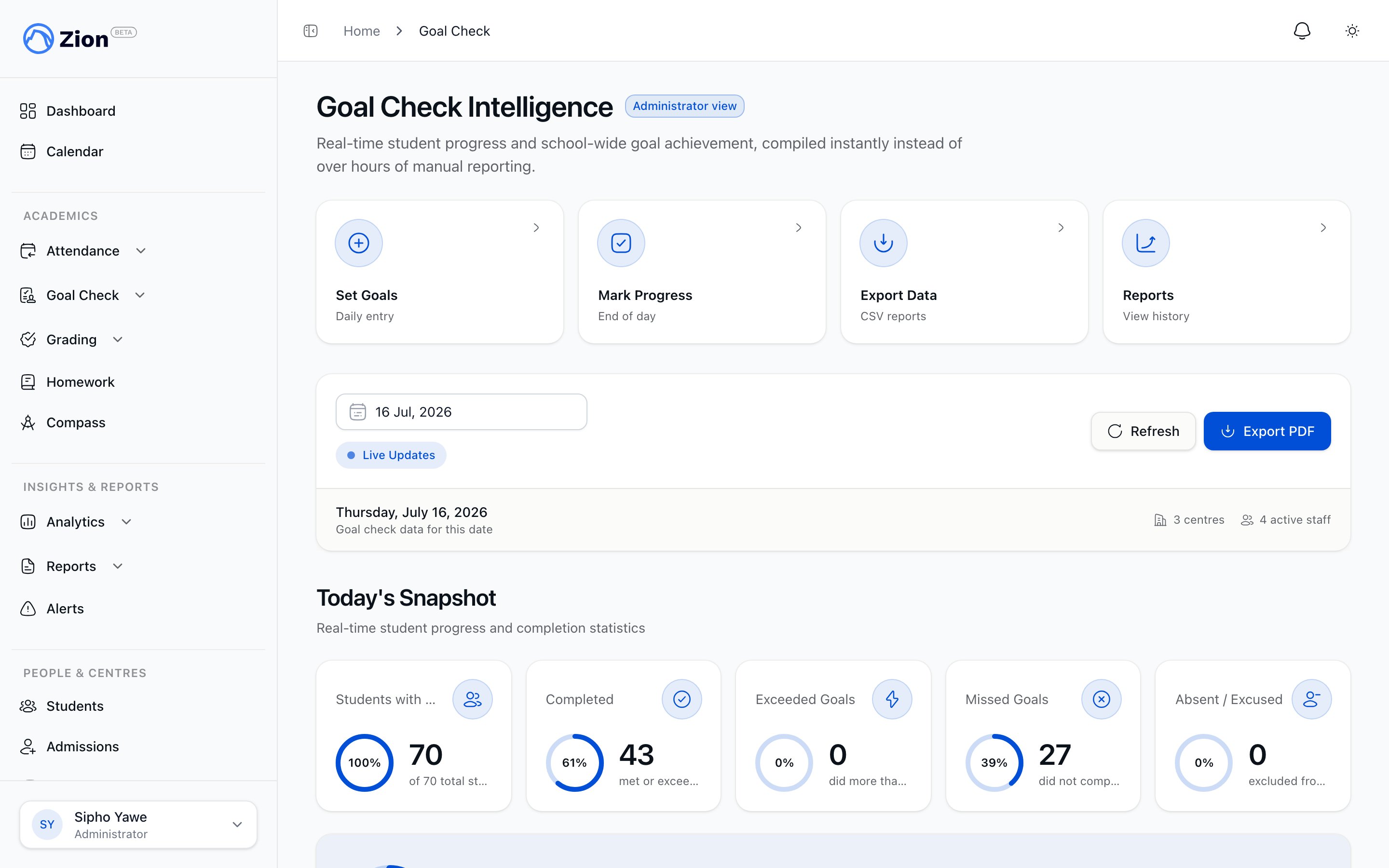
The Weekly Goal Check report is a whole-school summary of Goal Check performance for a Monday-to-Sunday week. It covers every learning centre, not one centre at a time, and is built from the same Goal Check records that the standalone screens and the daily routine write to.
Only administrators can generate weekly reports and view weekly report history. Supervisors and monitors do not have access to this page.
 ## Generating a report
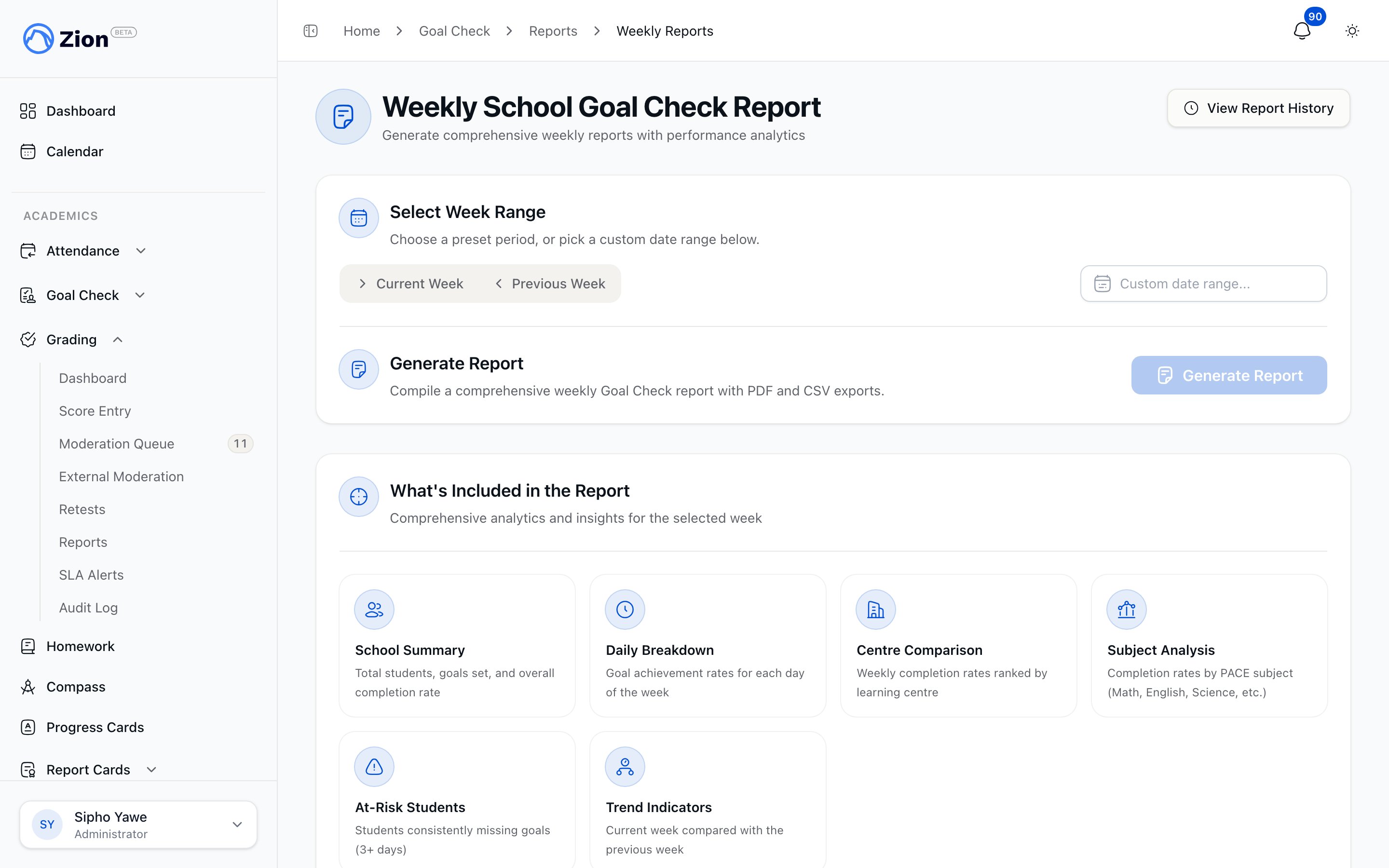
In the sidebar, open Reports, then select Weekly Reports.
Use the Current Week or Previous Week buttons, or pick a custom date range with the date range picker.
The button is disabled until a week is selected. If your role does not have permission to generate reports, the button stays visible but does nothing.
Generation can take up to a minute for a large school. The page shows a Generating Report status while it runs.
On success you get a Download PDF Report link and a Download CSV Data link. Both are also saved to report history.
Generating a report for a week that already has a completed report for your organization returns the existing report instead of creating a duplicate.
## Automatic weekly generation
Weekly reports do not require an administrator to generate them by hand. Each organization has a weekly report schedule, controlled by a per-org setting:
| Setting | Default | Notes |
| ----------- | ------------ | ----------------------------------------------------------- |
| Enabled | On | Turn off to stop automatic generation and emailing entirely |
| Day of week | Friday | Evaluated in the organization's local calendar |
| Hour | 4 PM (16:00) | Evaluated in the organization's local time |
| Recipients | None saved | Falls back to all active administrators when empty |
A scheduled job checks every organization each hour. Once an organization reaches its configured day and hour, it generates that week's report (Monday through Sunday, current week) if one does not already exist, then emails the PDF to the configured recipient list. If no recipients are saved, the report goes to every active administrator in the organization. Saved recipients can include people without a Zion account. Their addresses receive the report by email; addresses that match an active staff account are also notified in-app.
Because generation is keyed to one report per organization per week, the automatic run and a manual run on the same week never produce duplicates. Whichever happens first stands.
## What the report contains
## Generating a report
In the sidebar, open Reports, then select Weekly Reports.
Use the Current Week or Previous Week buttons, or pick a custom date range with the date range picker.
The button is disabled until a week is selected. If your role does not have permission to generate reports, the button stays visible but does nothing.
Generation can take up to a minute for a large school. The page shows a Generating Report status while it runs.
On success you get a Download PDF Report link and a Download CSV Data link. Both are also saved to report history.
Generating a report for a week that already has a completed report for your organization returns the existing report instead of creating a duplicate.
## Automatic weekly generation
Weekly reports do not require an administrator to generate them by hand. Each organization has a weekly report schedule, controlled by a per-org setting:
| Setting | Default | Notes |
| ----------- | ------------ | ----------------------------------------------------------- |
| Enabled | On | Turn off to stop automatic generation and emailing entirely |
| Day of week | Friday | Evaluated in the organization's local calendar |
| Hour | 4 PM (16:00) | Evaluated in the organization's local time |
| Recipients | None saved | Falls back to all active administrators when empty |
A scheduled job checks every organization each hour. Once an organization reaches its configured day and hour, it generates that week's report (Monday through Sunday, current week) if one does not already exist, then emails the PDF to the configured recipient list. If no recipients are saved, the report goes to every active administrator in the organization. Saved recipients can include people without a Zion account. Their addresses receive the report by email; addresses that match an active staff account are also notified in-app.
Because generation is keyed to one report per organization per week, the automatic run and a manual run on the same week never produce duplicates. Whichever happens first stands.
## What the report contains
 The PDF is a single branded document with the same charts drawn directly onto the page, not screenshots: an area chart of the week's daily completion trend, a bar chart ranking learning centres, a bar chart of completion by subject, a donut chart of miss reasons, and a small trend chart comparing this week to last.
| Section | What it shows |
| --------------------- | -------------------------------------------------------------------------------------------------------------------------- |
| School summary | Total students, total goals set, goals completed, goals exceeded, goals missed, and overall completion rate for the week |
| Daily breakdown | Goal achievement for each school day in the week |
| Centre comparison | Every learning centre's weekly completion rate, ranked against the others |
| Subject analysis | Completion rate by PACE subject (Math, English, Science, and so on) |
| At-risk students | Students flagged by the organization's consecutive-miss threshold, 3 or more school days by default |
| Miss-reason breakdown | Counts of structured miss reasons recorded during progress marking, such as difficulty with the material or support needed |
| Week-over-week trend | Comparison of this week's completion rate, goals set, and at-risk count against the previous week |
A day marked Absent, Excused, or Doing non-PACE work is never counted as a missed goal in these numbers. It is left out of the completion-rate calculation entirely, so an honest absence never drags a student's or a centre's rate down.
The CSV export contains the underlying goal-level rows for the week (student, centre, PACE, goal pages, actual pages, status, and notes) rather than the summarized sections above, so it is the right format for custom analysis in a spreadsheet.
## Report history
Weekly History, under Reports in the sidebar, lists every weekly report generated for your organization, most recent first.
Each row shows:
* Week range
* Status: Completed, Generating, or Failed
* Overall completion rate
* Total students and total goals set
* Generated date and time
* Actions: download PDF, download CSV, and email the report to additional recipients
Summary tiles at the top of the page total the number of reports, the average completion rate across completed reports, total students, and total goals across all reports shown.
If a report shows no files, generation did not finish successfully for that week. Regenerate it from the Weekly School Goal Check Report page.
## Related features
Export raw Goal Check data for custom analysis outside of the weekly report.
How goal setting and progress marking feed everything in this report.
The guided Morning Routine and End of Day flow that produces the goals and results this report summarizes.
A role-based walkthrough of Goal Check for administrators.
The PDF is a single branded document with the same charts drawn directly onto the page, not screenshots: an area chart of the week's daily completion trend, a bar chart ranking learning centres, a bar chart of completion by subject, a donut chart of miss reasons, and a small trend chart comparing this week to last.
| Section | What it shows |
| --------------------- | -------------------------------------------------------------------------------------------------------------------------- |
| School summary | Total students, total goals set, goals completed, goals exceeded, goals missed, and overall completion rate for the week |
| Daily breakdown | Goal achievement for each school day in the week |
| Centre comparison | Every learning centre's weekly completion rate, ranked against the others |
| Subject analysis | Completion rate by PACE subject (Math, English, Science, and so on) |
| At-risk students | Students flagged by the organization's consecutive-miss threshold, 3 or more school days by default |
| Miss-reason breakdown | Counts of structured miss reasons recorded during progress marking, such as difficulty with the material or support needed |
| Week-over-week trend | Comparison of this week's completion rate, goals set, and at-risk count against the previous week |
A day marked Absent, Excused, or Doing non-PACE work is never counted as a missed goal in these numbers. It is left out of the completion-rate calculation entirely, so an honest absence never drags a student's or a centre's rate down.
The CSV export contains the underlying goal-level rows for the week (student, centre, PACE, goal pages, actual pages, status, and notes) rather than the summarized sections above, so it is the right format for custom analysis in a spreadsheet.
## Report history
Weekly History, under Reports in the sidebar, lists every weekly report generated for your organization, most recent first.
Each row shows:
* Week range
* Status: Completed, Generating, or Failed
* Overall completion rate
* Total students and total goals set
* Generated date and time
* Actions: download PDF, download CSV, and email the report to additional recipients
Summary tiles at the top of the page total the number of reports, the average completion rate across completed reports, total students, and total goals across all reports shown.
If a report shows no files, generation did not finish successfully for that week. Regenerate it from the Weekly School Goal Check Report page.
## Related features
Export raw Goal Check data for custom analysis outside of the weekly report.
How goal setting and progress marking feed everything in this report.
The guided Morning Routine and End of Day flow that produces the goals and results this report summarizes.
A role-based walkthrough of Goal Check for administrators.