

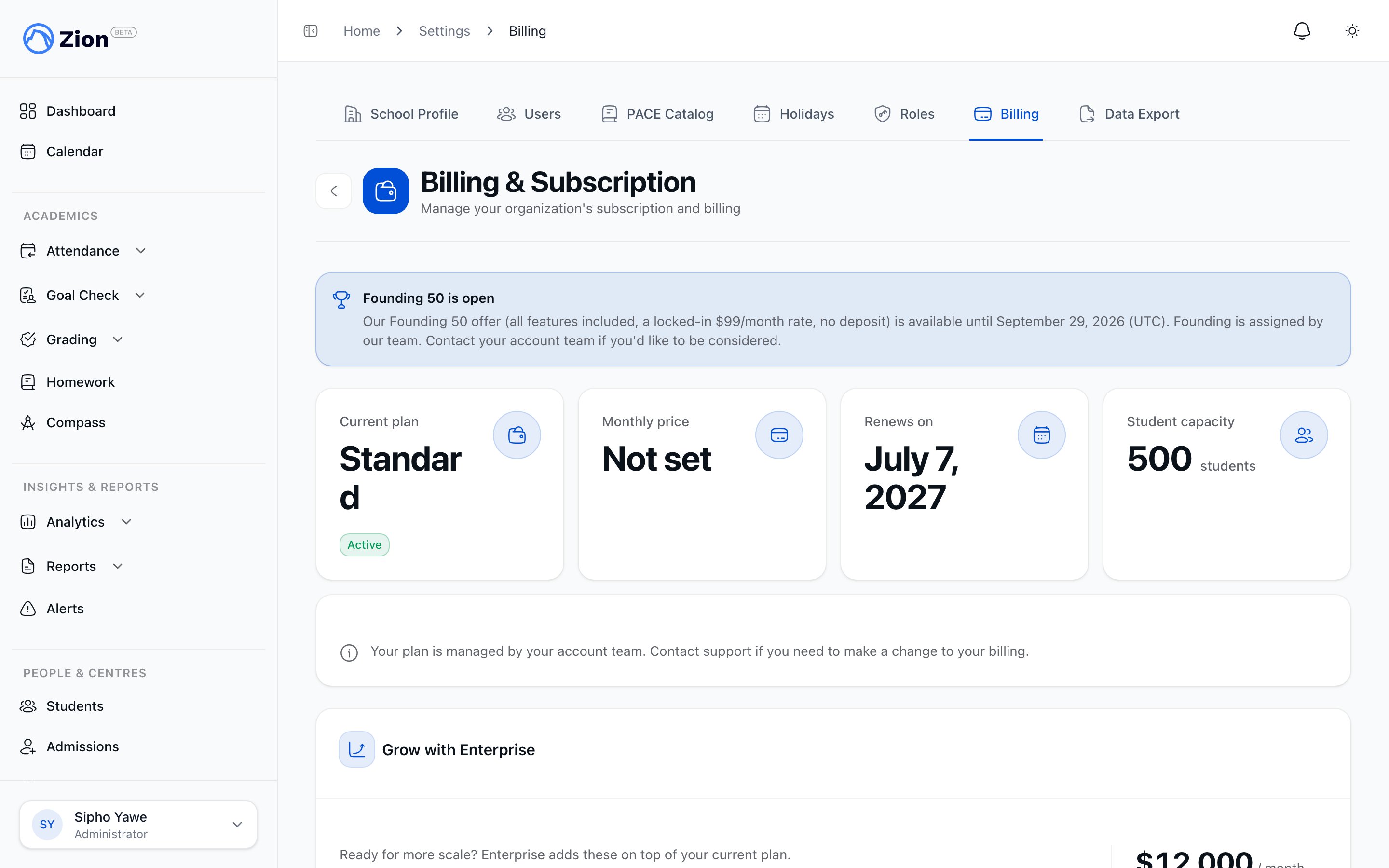
The billing settings page showing plan tiers and subscription status.
The four plans
Each plan builds on the one below it. The student cap is the number of active students the plan covers.
Paying yearly costs the same as ten months, so two months are free.
Starter, Lite, and Standard are subscribed to directly in Zion. Enterprise is arranged with the Zion team and also accepts bank transfer.
What each plan unlocks
- Starter
- Lite
- Standard
- Enterprise
- Goal Check, including goals, marking, and the daily routines
- Daily and weekly reports
- Attendance marking
- Students, the PACE catalog, PACE assignments, and academic terms
- Data export
The Founding 7
The Founding 7 is Zion’s launch offer: 30 days of the complete product, free.1
Start the trial
Sign up and add a card. Nothing is charged.
2
Use everything for 30 days
Every feature is unlocked during the trial, whichever plan you eventually choose, with no student cap applied.
3
Choose or do nothing
At the end of the 30 days the trial converts to Lite unless you pick a different plan or cancel first. Cancel any time before it ends and you are not charged.
Founding 50, the earlier flat $99 offer, is retired and closed to new schools. Schools already on it keep their rate.
Add-ons
Subscribing
1
Open Settings, then Billing
An administrator with no active subscription sees a Choose a plan screen.
2
Choose a plan
Pick Starter, Lite, or Standard, and choose monthly or yearly.
3
Pay
Payment and tax are handled on Polar’s payment page.
4
Return to Zion
You land back on Settings, Billing, and Zion confirms the subscription automatically once it is active.
If a payment is late
If a payment comes due and Polar is still retrying the charge, your school keeps full access while that plays out. If you cancel a plan, you keep access for the rest of the period you already paid for. Access stops once a payment fails for good, or once a cancelled plan’s paid period runs out.What each role sees when billing lapses
When a school’s subscription is no longer active, anyone signed in to that school sees a subscription-needed screen instead of the dashboard. What appears there depends on the role.- Administrator
- Supervisor or monitor
- Parent or student
Sees a remedy specific to the subscription’s status: a reactivate action that returns to Settings, Billing for statuses that need a fresh checkout, or a direct link into Polar’s customer portal for a past-due or unpaid card.
Updating a card or viewing invoices
Manage billing and Update payment method both take you to Polar’s customer portal, where you can update your card and see past invoices. The billing summary in Zion also shows a read-only card hint, such as the card brand, last four digits, and expiry, and never shows a full card number.Which email addresses receive billing notices, and a history of the billing emails already sent, are both managed by administrators from Settings, under Billing.
Roles and permissions
See what each role can access across the app.
School settings
Configure the rest of your school’s account.
Migration concierge
Have the Zion team bring your existing records across.
Getting started
Set up your school in Zion.