

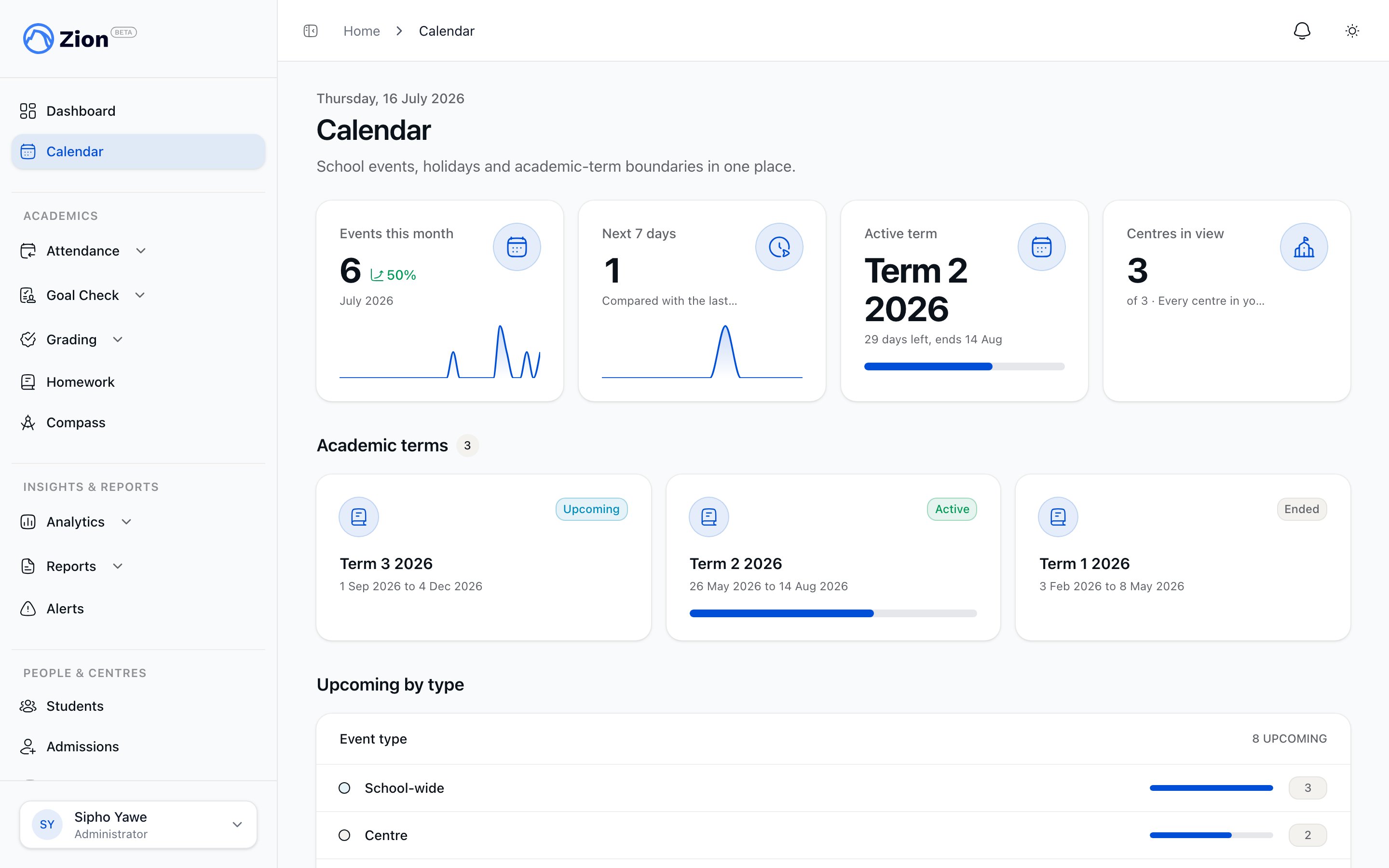
Creating and managing events from the staff calendar
Who can create an event
The New Event button appears for administrators and supervisors. Supervisors also need the centre-event creation permission; a monitor can get the same button if that permission is granted to them.- Administrators can target the event org-wide or to any specific centre, and can set any visibility level.
- Supervisors (and permitted monitors) can only target their own assigned centre or centres. Org-wide is not offered to them, and Save stays disabled until at least one centre is selected.
- Zion re-checks centre authorization for every targeted centre when the event is saved, no matter what the form on screen shows, so a request cannot bypass the picker by editing the form directly.
Creating and editing an event
1
Open the form
Go to Calendar and click New Event, or open an existing event and choose to edit it.
2
Fill in the details
Set the title, description, all-day toggle, and start and end date and time.
3
Choose an event type
Pick academic, holiday, school-wide, centre, extracurricular, or meeting. The type also drives the event’s chip color on the calendar grid.
4
Target centres
Leave the event org-wide, or select one or more specific centres. Supervisors only see their assigned centres in this picker.
5
Set visibility
Choose who can read the event: admin, staff, parents, students, or public. The default for a new event is staff. Only administrators can choose a visibility other than the default.
6
Set recurrence (optional)
Pick a recurrence preset if the event repeats, and an end condition: never, on a date, or after a number of occurrences.
7
Save
The event appears on the calendar immediately. Family-visible events (parents, students, or public) trigger a notification.
Visibility levels
Recurrence presets
Four presets are available. No other repeat pattern is offered in the form.
Each preset can end never, on a chosen date, or after a set number of occurrences.
Editing or deleting a recurring event
Opening a recurring event to edit or delete it shows a scope chooser:- This occurrence
- This and future
- Entire series
Changes only the single date you opened. This creates an override for that one occurrence, and the rest of the series is untouched. An overridden occurrence can be reverted back into the series later if you change your mind.
Bulk manage does not accept recurring series rows for deletion. To delete a whole series, open the event and use the scope chooser instead.
Soft-cancel versus hard delete
What happens when you delete an event depends on who can see it:- Family-visible events (visibility set to parents, students, or public) are soft-cancelled by default: the event’s status is set to cancelled rather than removed. Anyone subscribed to the calendar feed still receives a cancelled update for it. Choosing hard delete removes the event permanently instead.
- Staff/admin-only events (visibility admin or staff) are always hard-deleted.
- Seed holidays are never deleted. Removing one from the holiday list marks it not observed, which is reversible; see below.
Centre-scoped visibility
Supervisors and monitors only see events that are either org-wide or targeted at one of their assigned learning centres, both on the calendar grid and in their ICS feed. Administrators are not scoped and see everything. An event with no centre targeting and no legacy centre reference is treated as org-wide; targeting one or more centres scopes it to just those centres.Bulk manage
Administrators can switch the calendar into a multi-select agenda view with the Bulk manage toggle.1
Turn on Bulk manage
The grid switches to a list you can multi-select from.
2
Select events
Check the events you want to act on, up to 500 per action.
3
Choose an action
Delete, change visibility, or retarget centres for the selected events.
4
Confirm
A dialog shows the count of events affected.
5
Review the result
Each row is re-authorized individually, no matter what was selected on screen (creator or administrator, plus centre authorization). Recurring series rows and unauthorized rows are skipped rather than changed, and you’re shown how many succeeded versus were skipped.
6
Edit a single row instead
Each row also has its own Edit button, separate from the checkboxes. Click it to open that one event in the same edit form used elsewhere, without affecting whatever rows you have multi-selected.
Print and CSV export
Administrators get a Print / Export control for the current month or the current academic term.- Print opens a grayscale agenda view built from the same event list and filters shown on screen, then hands off to the browser’s print dialog.
- CSV export downloads the same filtered event list as a CSV file.
Managing public holidays
Administrators manage public holidays from Settings > Holidays. This screen is administrator-only; any other role attempting to reach it is redirected to Settings > School.1
Review observed holidays
Click Mark not observed on any holiday your school does not follow. This hides it from the calendar but does not delete it.
2
Review hidden holidays
Click Reinstate to bring a hidden holiday back.
3
Add a custom holiday
Use Add custom holiday to open the same event form used elsewhere, defaulted to the holiday event type.
Holidays that were already on your calendar from before can still be reviewed here, marked not observed, or reinstated. New holidays are added one at a time with Add custom holiday.
Related pages
Calendar overview
Event types, visibility, and centre scoping explained
iCal subscription
Generate a link to sync the calendar into an external app
Meetings
How booked meetings appear as calendar events automatically
Roles and permissions
How centre assignment and permissions are set for staff