

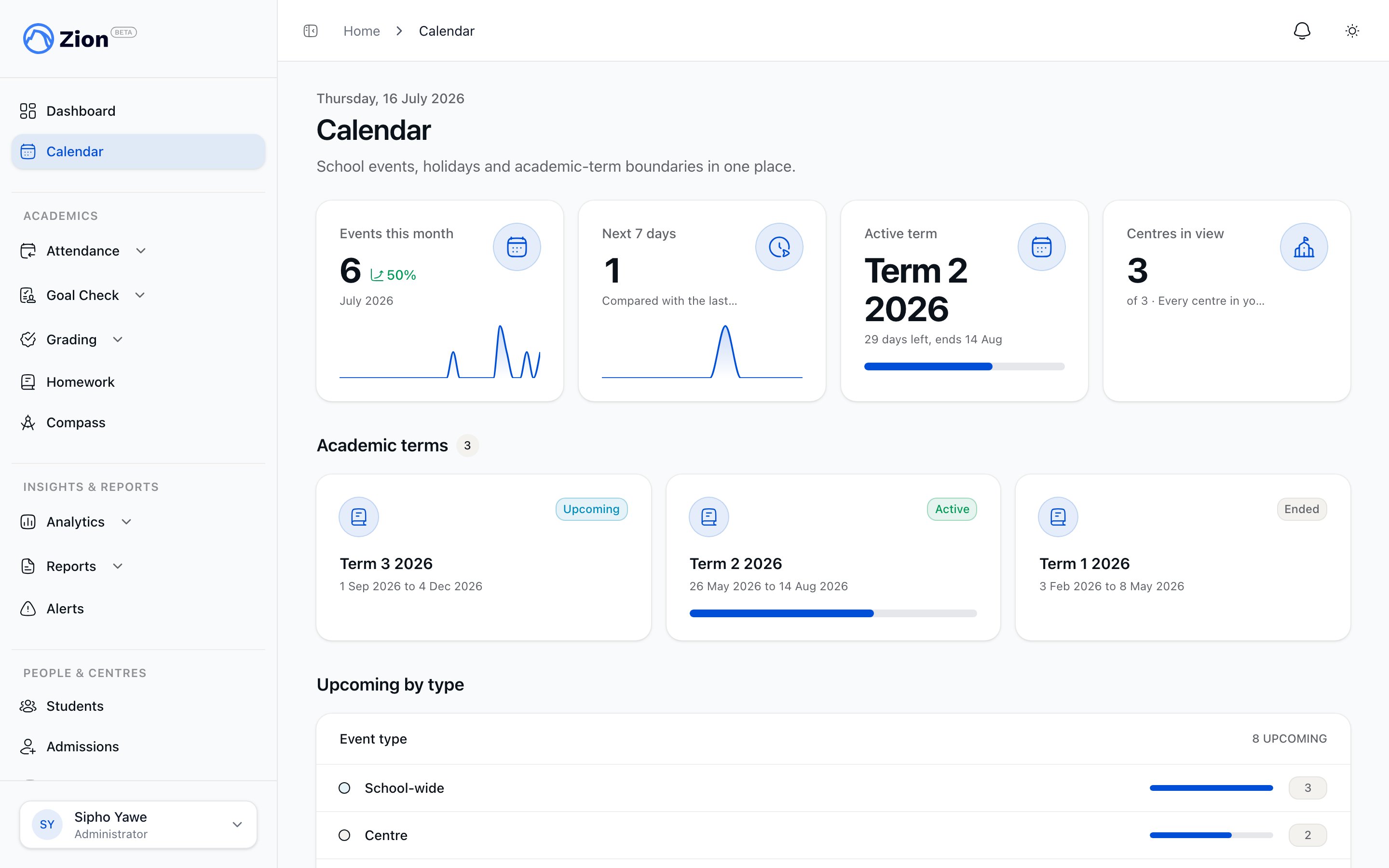
The staff calendar showing a month view with color coded event types
Where to find it
- Administrator, supervisor, monitor
- Parent
- Student
The Calendar sidebar item opens a full month/week/day grid with Prev, Next, and Today navigation, plus filters for event type, centre, and visibility.
Clicking an event opens a detail modal. Parents and students see the details only; the New Event button and edit/delete controls appear for administrators and supervisors.
Event types
Each event carries one of six types, shown as a colored chip in the grid.Visibility levels
Every event has a visibility setting that maps to roles. It controls who can read the event on the calendar screen and in the iCal feed.
A new event defaults to Staff visibility. Only administrators can set an event to a visibility other than the default when creating or editing it.
Centre scoping
An event with no centre assigned is org-wide and visible to everyone whose visibility level allows it. An event assigned to one or more specific centres is visible only to people connected to those centres.- Administrators are unscoped and see every event.
- Supervisors and monitors see only org-wide events plus events targeting one of their assigned centres, in both the calendar list and their iCal feed.
- Parents see org-wide events plus events targeting their child’s centre.
- Students see org-wide events plus events targeting their own centre.
Views and filters
The staff calendar switches between month, week, and day views. Each view supports filtering by event type, centre, and visibility, so an administrator can, for example, isolate a single centre’s meetings for the current week. The parent view is a month grid with a per-child filter. The student view is an agenda list rather than a grid.Events that appear automatically
Some events are not created directly in the calendar. Other features write them in as a one-way feed, and they show a link back to the source record.
These bridge-created events display normally alongside events created directly in the calendar, but they are edited from their source feature, not from the calendar itself.
Manage Holidays
Administrators reach a dedicated holiday screen from Settings > Holidays. From there you can add a custom holiday, mark a holiday as not observed if the school does not follow it, and reinstate a hidden one. Holidays your school already has on the calendar from before can still be hidden or reinstated the same way. This screen is administrator-only; other roles are redirected away from it. See Managing events for details.Subscribing from another calendar app
Every user, staff or family, can generate a private link that syncs the school calendar into Google, Apple, or Outlook. The link respects the same visibility and centre rules as the in-app view. See iCal subscription for how to generate, use, and revoke it.Creating and managing events
Create events, target centres, set recurrence, and handle recurring-series edits and holidays.
iCal subscription
Generate, use, and revoke a calendar sync link for Google, Apple, or Outlook.
Meetings overview
Booked meetings appear on the calendar automatically once confirmed.
Homework overview
Homework due dates feed into the calendar as all-day academic events.