

The routine has two modes: Morning Routine for setting per-PACE goals, and End of Day for recording what actually happened. Run both on the same day for a centre to have complete Goal Check data.
Starting from the dashboard
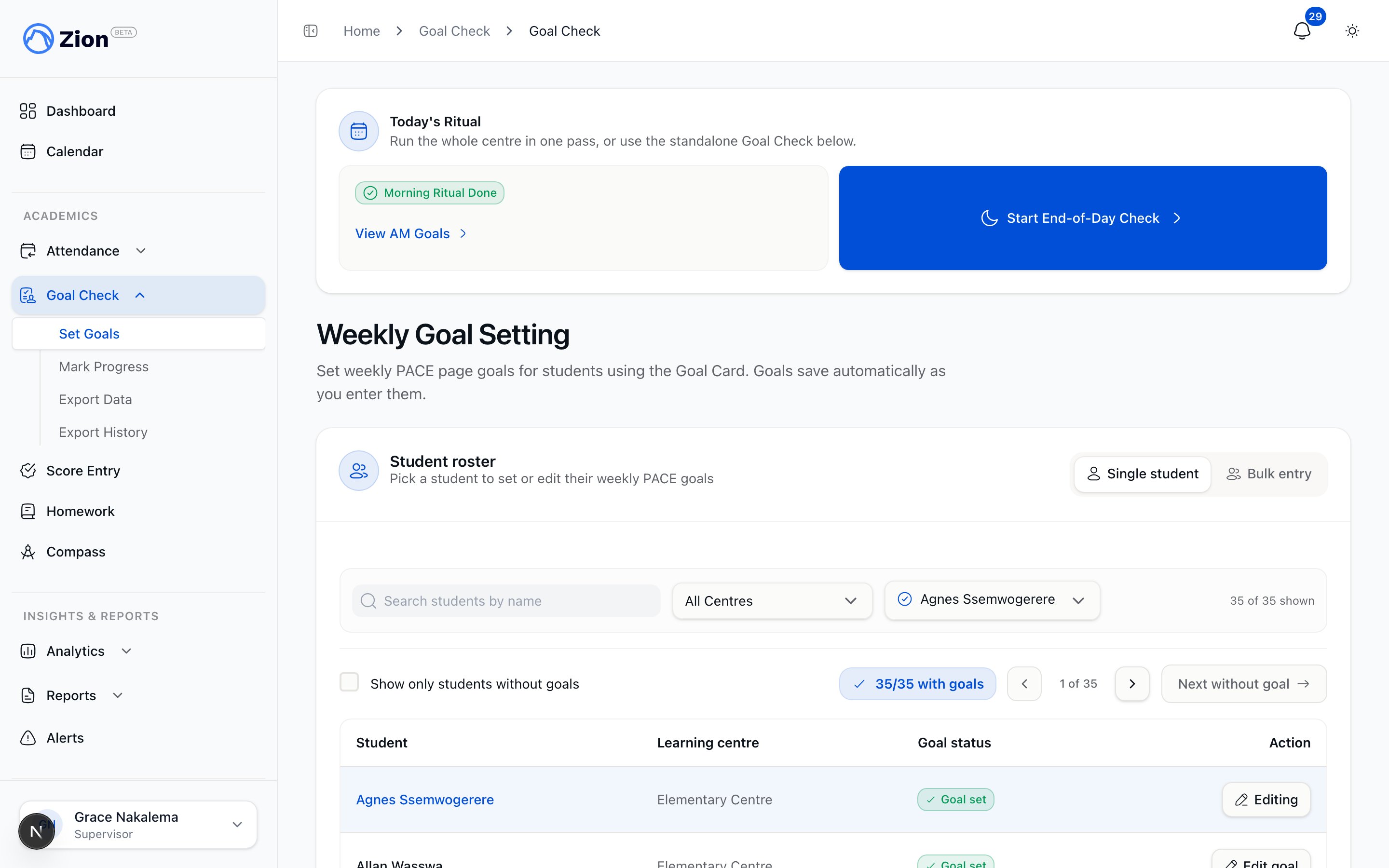
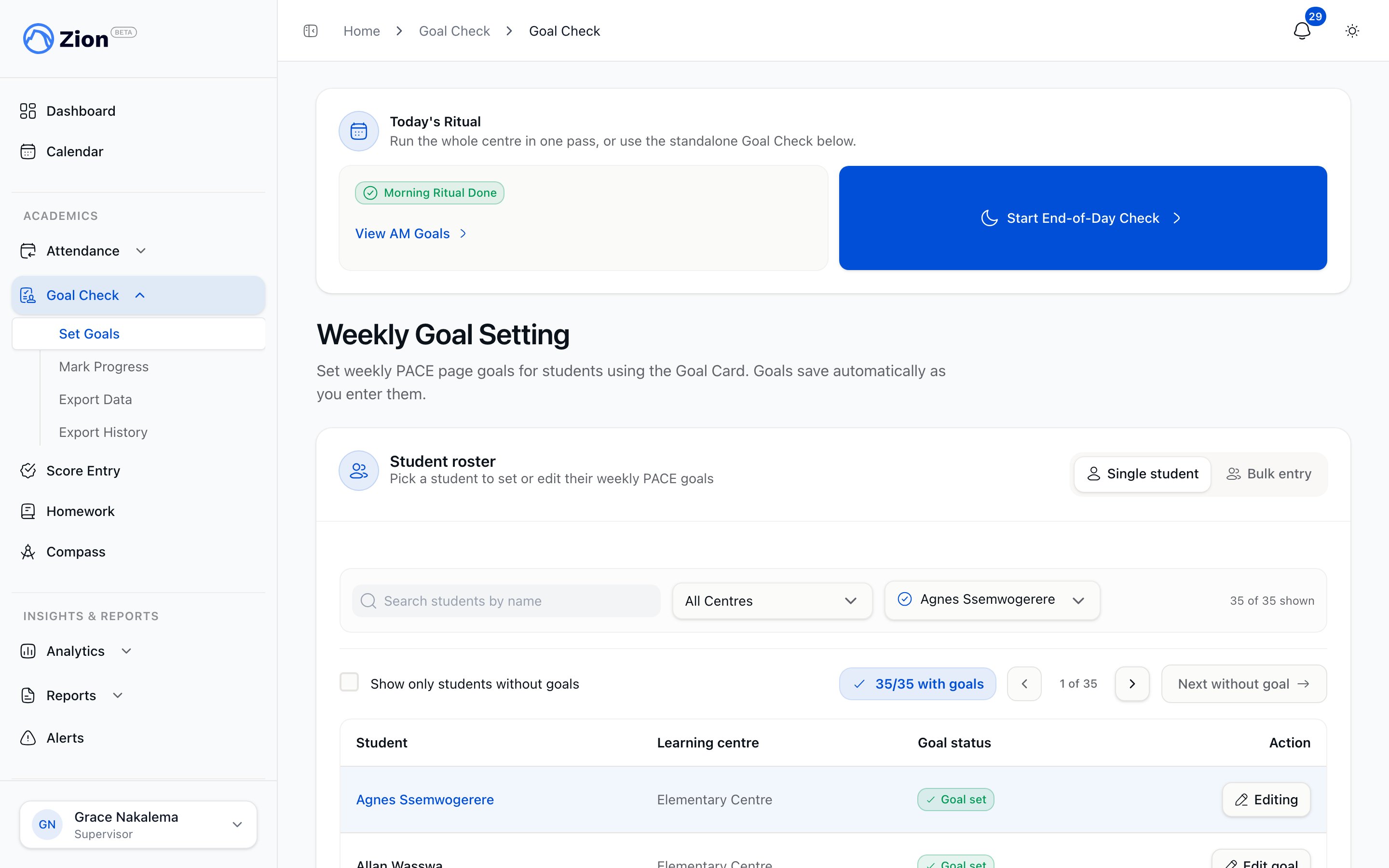
Every dashboard (administrator, supervisor, monitor) shows a Today’s Routine card. This card is the only entry point for the guided flow.1
Open the Today's Routine card
The card shows the current status for each mode: not started, in progress, or done for the day.
2
Pick a learning centre, if you supervise more than one
Supervisors and monitors assigned to multiple centres see a centre selector above the Start/Resume buttons. Each centre tracks its own Morning Routine and End of Day status independently, so finishing one centre does not affect another.
3
Tap Start Morning Routine or Start End-of-Day Check
If a session for that mode is already in progress today, the button reads Resume instead, and picks up exactly where the session left off.
Morning Routine: setting goals
The full-screen Morning Routine view for entering a student's goal end page.
- The start page for a PACE is fixed and derived automatically: it is one page past the last page that PACE’s previous goal marked complete, or page 1 if there is no prior record. You cannot edit the start page.
- You enter the goal end page for each PACE using a touch number pad. The end page cannot exceed that PACE’s total page count.
- A PACE with no page count set cannot be goaled.
- Tap Advance to save the goals for that student and move to the next one. If you advance while some of the student’s PACEs are still blank, the app asks you to confirm before moving on.
End of Day: recording results
The full-screen End-of-Day Check view for recording a student's outcome.
If a student has no morning goal at all, such as a student who joined the centre after Morning Routine ran, you can still advance past them. Nothing is recorded for that student since there is no goal to check against; it is a note-only pass.
Controls available in both modes
- Back
- Skip
- Roster jump
- Skip remaining
Reverts the previous student in the queue back to pending, so you can review or correct what you just entered before moving on again.
Finishing a session
Before a session completes, the app runs one return-to-skipped pass: it offers each skipped student once more, in case you have time to go back and enter their goal or result. After that pass, if any students are still skipped, you can tap Finish anyway to complete the session with those students left unrecorded for the day.Resuming across a closed tab or a different device
Zion keeps track of an in-progress session on its own, not just in your browser. If you close the tab, lose connection, or open the routine on a different device:- Reopening Morning Routine or End of Day for a centre resumes the same day’s in-progress session where it left off.
- If that mode is already completed for the day, the app returns you to the dashboard with a notice instead of starting a new session.
- A session left in progress from a prior day is treated as stale and does not block starting a fresh session today.
Completion summary
When a session finishes, whether by reaching the end of the queue, using Skip remaining, or Finish anyway, the routine shows a summary with:- The number of goals set (Morning Routine) or results recorded (End of Day), counting only actual saved records, not every queue entry.
- The number of students skipped.
- The elapsed time for the session.
Optional goal approval sign-off
Some organizations turn on a setting that requires a sign-off on morning goals before they count as final. When this setting is on:- Every goal entered during Morning Routine starts with a pending approval status.
- From the completion summary of a finished Morning Routine session, an administrator or supervisor can approve all of that session’s pending goals in one action.
- A monitor cannot approve goals. This keeps the person who sets a goal separate from the person who signs off on it.
- Once a goal is both approved and has an End of Day result recorded against it, it is locked against casual re-marking through the routine. Changing it after that point requires the audited correction path rather than the routine screens.
Goal Check overview
What Goal Check tracks and how it fits into daily PACE work.
Setting goals
The standalone, per-student way to set a morning goal outside the routine.
Marking progress
The standalone, per-student way to record an end-of-day result.
Goal Check reports
Weekly reporting built from the same Goal Check data.