

Custom roles are additive. Assigning one adds permission keys to what a user already has through their built-in role. It never replaces or downgrades a built-in role.
Built-in roles
Every built-in role is mirrored as a seeded, immutable system role so its exact grants show up in the same list as custom roles.
Supervisors and monitors only see the students, centres, and reports for the learning centres they are assigned to. Administrators see every centre in the organization. For how staff accounts and centre assignments are set up, see Teaching staff and user accounts.
The permission catalog
The roles and permissions catalog grouped by area, with keys grantable to custom roles.
Managing custom roles
1
Open Settings > Roles
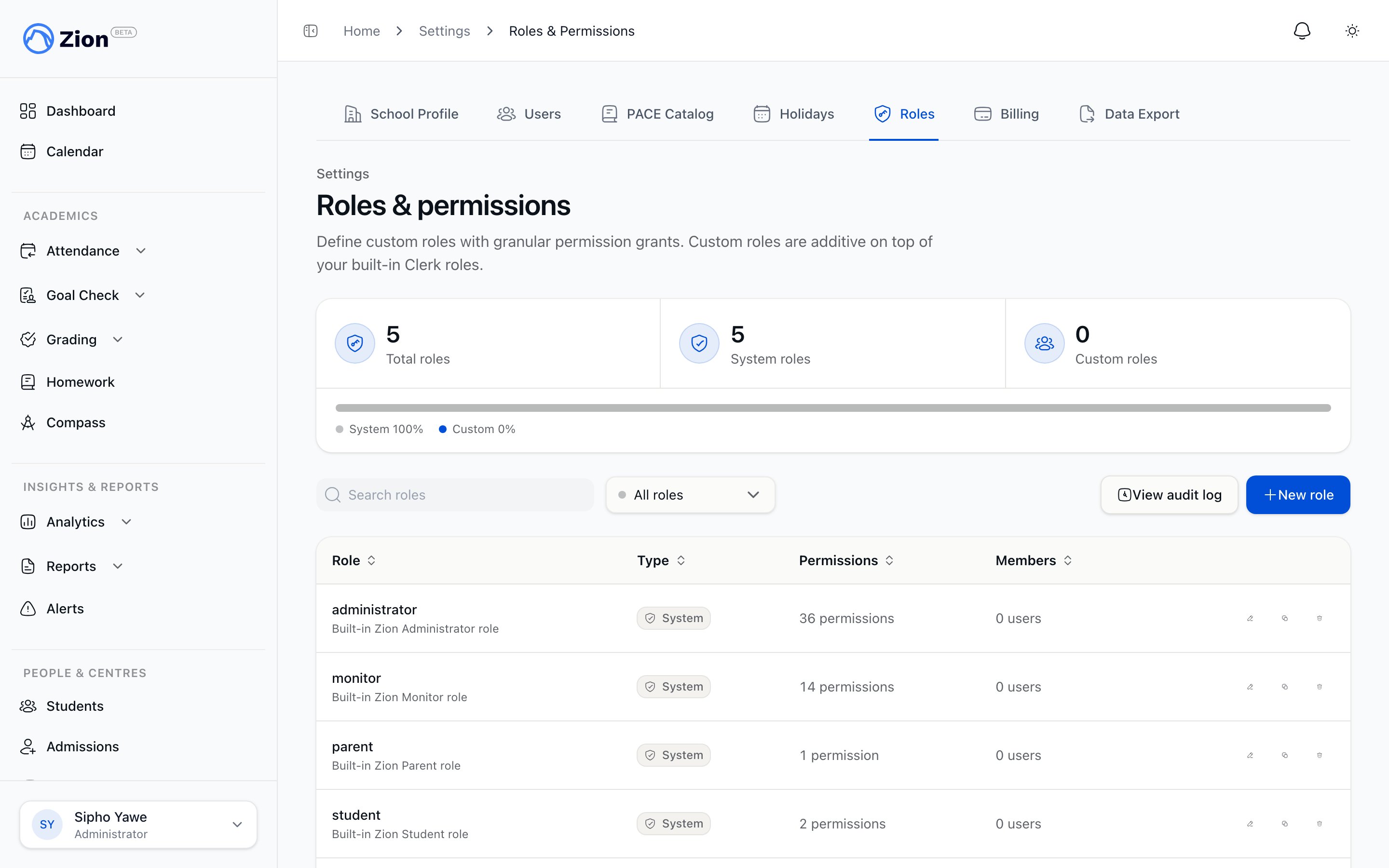
Go to Settings > Roles. The list shows every role in your organization: its name, description, a System badge for the built-in role mirrors, how many permissions it grants, and how many members hold it.
2
Create, clone, or edit a role
Click New role to start from scratch, or Clone an existing role including a system role to make a customizable copy of it. Name the role, add a description, and check the exact permission keys to grant. System roles themselves cannot be renamed or edited directly.
3
Assign the role to a user
Open a user’s detail page under Settings > Users and add the custom role under Assigned Roles. You can also bulk-assign or bulk-remove a role across many users at once from the Roles page.
4
Check effective permissions
On the user’s detail page, the Effective Permissions card shows the resolved union of their built-in role and any assigned custom roles, with each key attributed to the role that granted it.
5
Delete a role
Deleting a system role is blocked. Deleting a custom role that is currently held by one or more users shows a warning stating exactly how many users hold it before you confirm.
Role change history
Settings > Roles includes a link to the role change history. It records every role and permission change made in the organization: who made the change, what changed, and when. The log is paginated with a Load more control and can be filtered by actor.Teaching staff and user accounts
Invite staff, assign centres, and deactivate or reactivate accounts.
Learning centres
How centres scope which students and staff a role can see.
Role and permission reference
The full permission catalog and system role bundles.
Terminology
Definitions of roles, centres, and other Zion-specific terms.